Pocket 2110 App Icon
SMPTE ST 2110 & NMOS IS-05

Routing Control
In Your Pocket

A pocket-sized NMOS controller for broadcast engineers. Discover devices, route signals, schedule routes, and visualise signal flow — all from your iPhone, iPad, or Mac.

Scroll

Powerful Features

Everything broadcast engineers need to manage SMPTE ST 2110 / NMOS networks, right from a mobile device.

SMPTE 2110 Routing

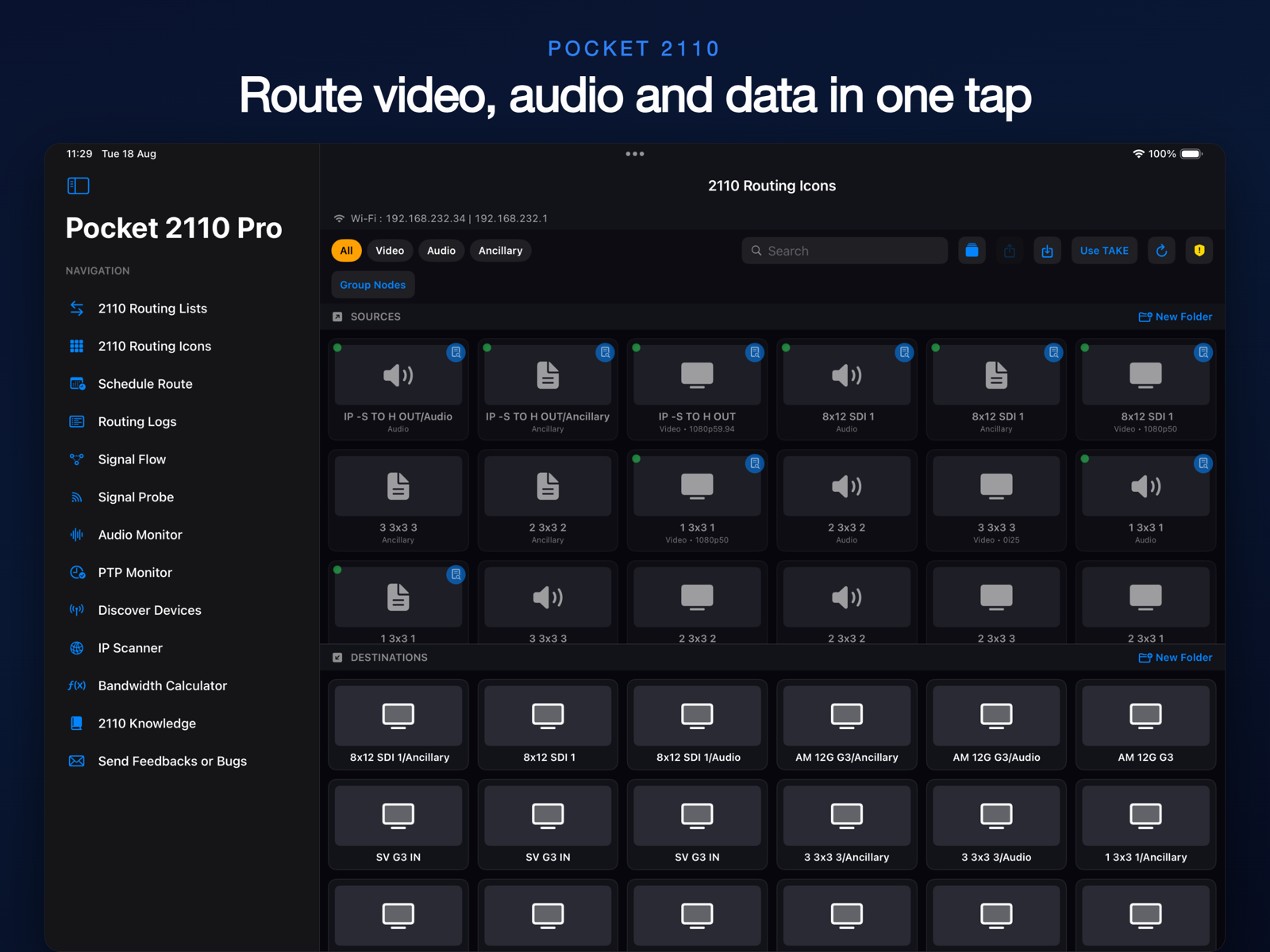
Route video, audio, and ancillary data streams between NMOS senders and receivers with a single tap. Supports IS-05 connection management with SDP transport files.

📅

Schedule Routes

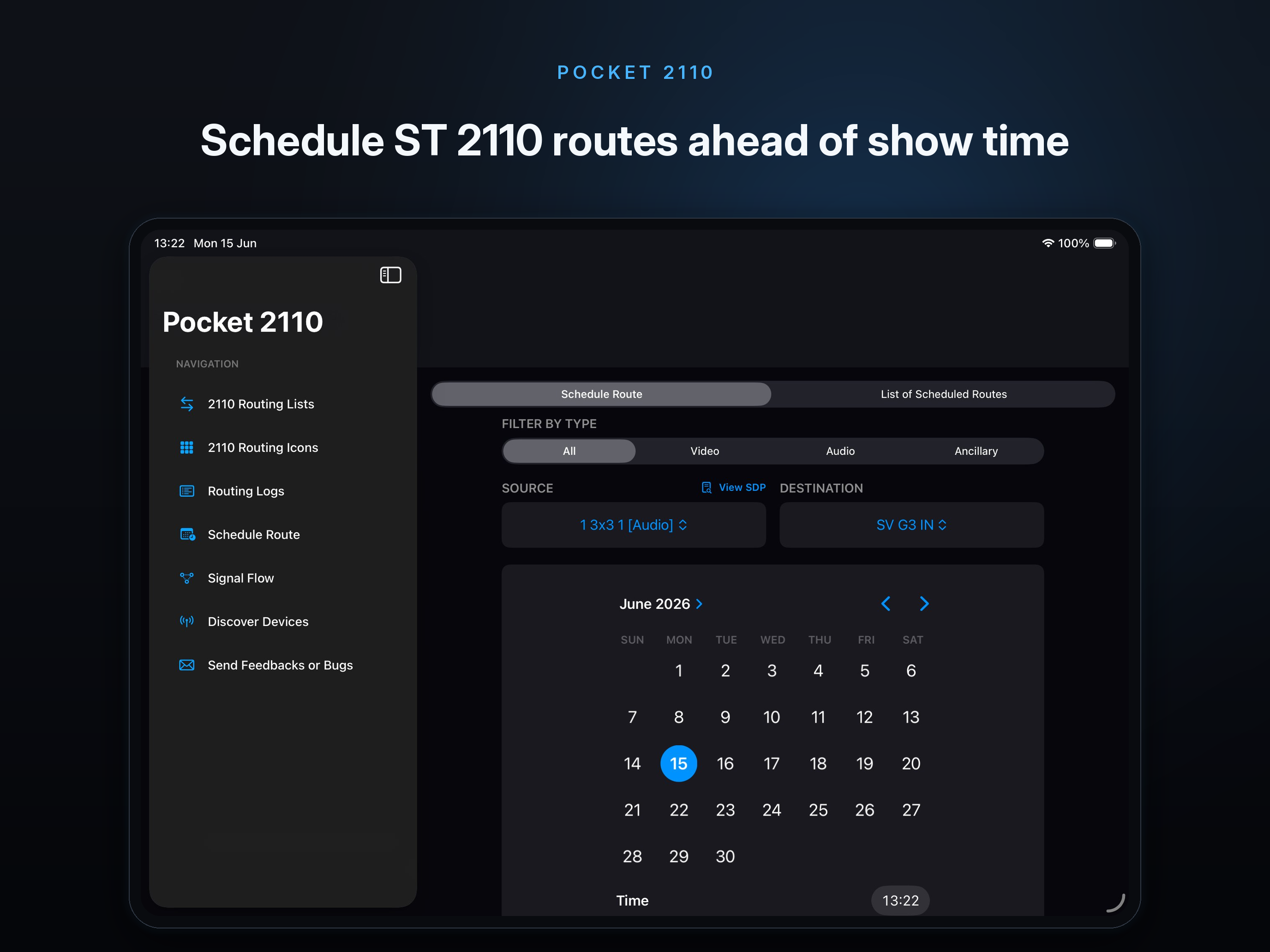
Set up routes to execute at a specific date and time. See media type tags (Video, Audio, Ancillary) on every source and manage scheduled routes with a clean list view.

Signal Flow Visualisation

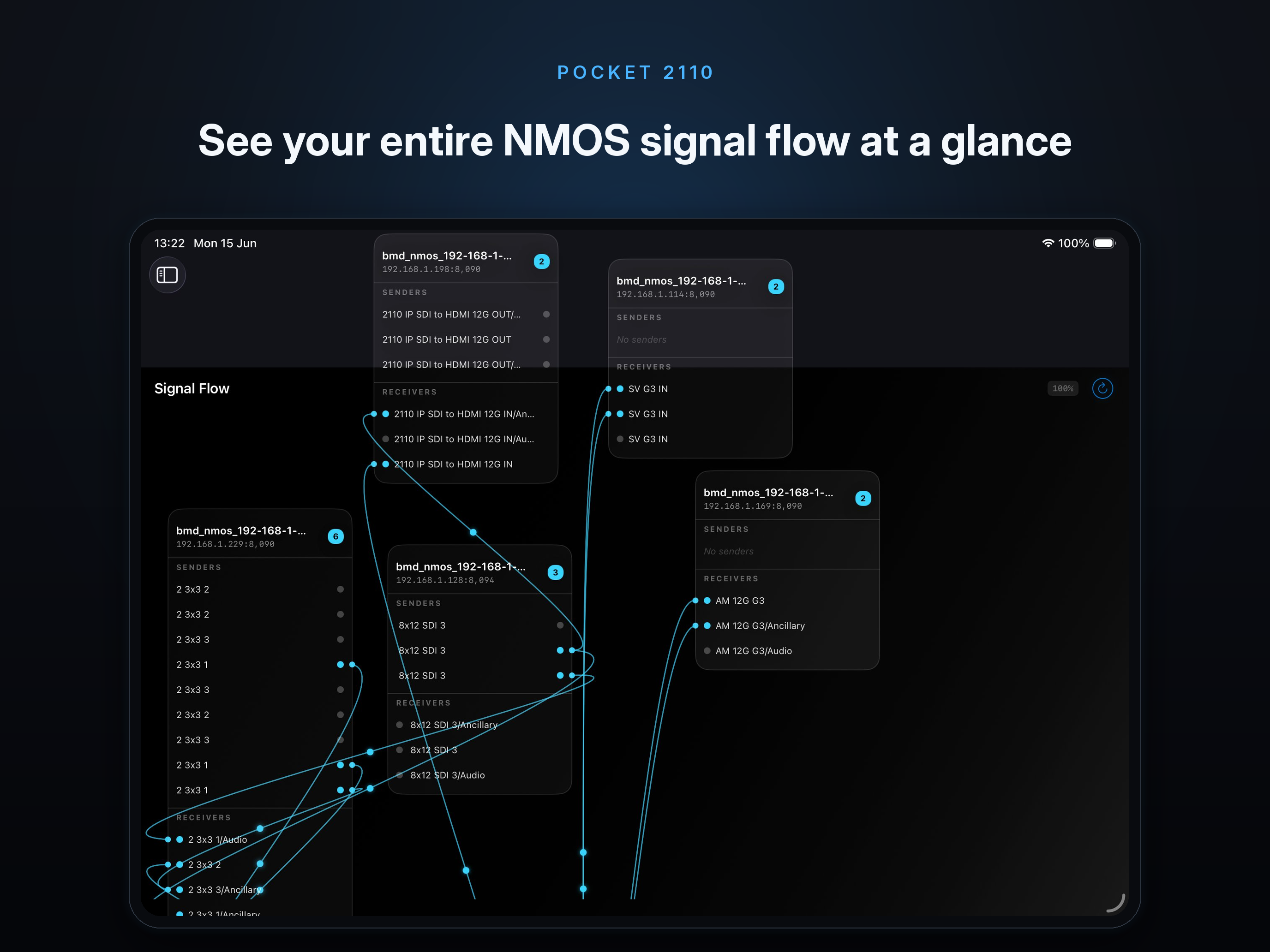
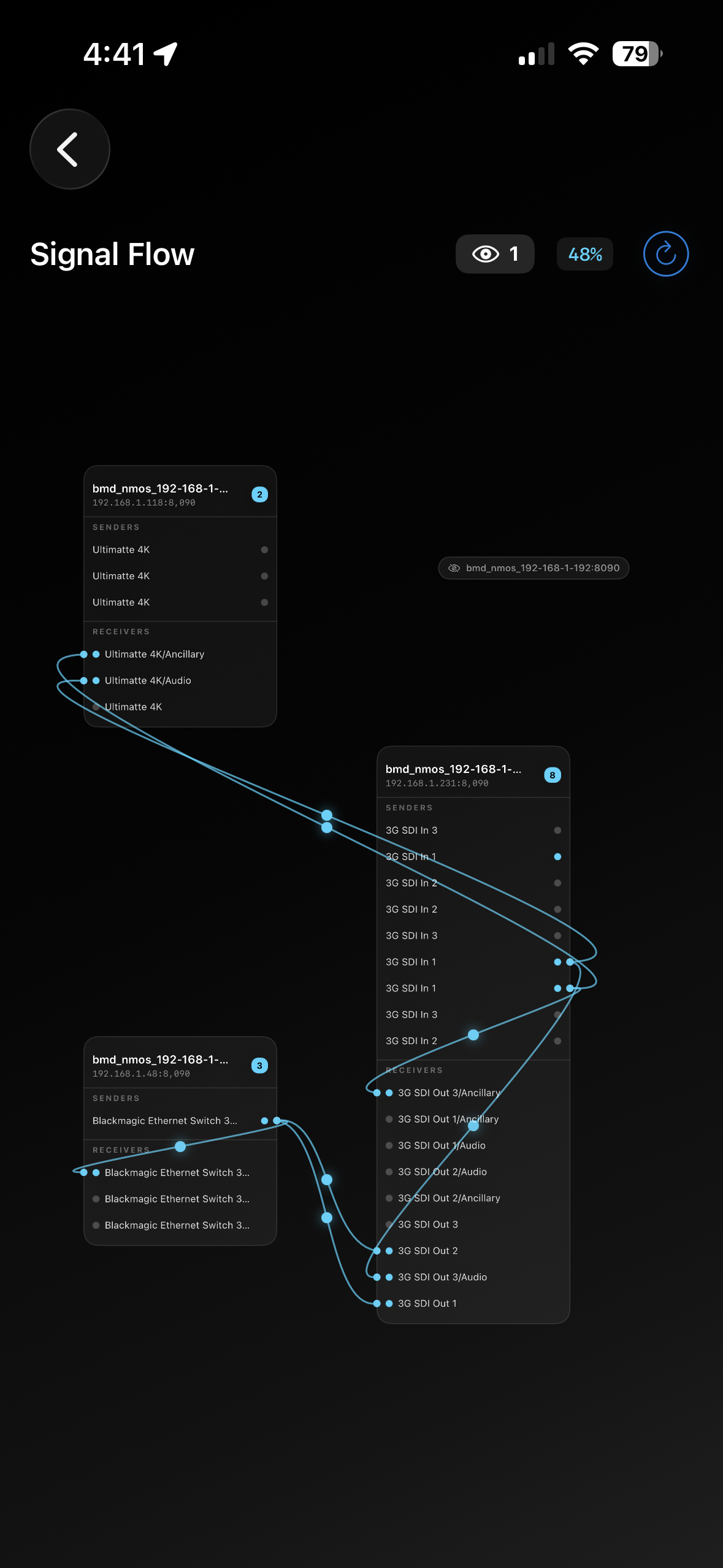
Interactive topology diagram with draggable nodes, bezier connection lines, pinch-to-zoom, and tap-to-inspect. See your entire signal chain at a glance.

📡

Device Discovery

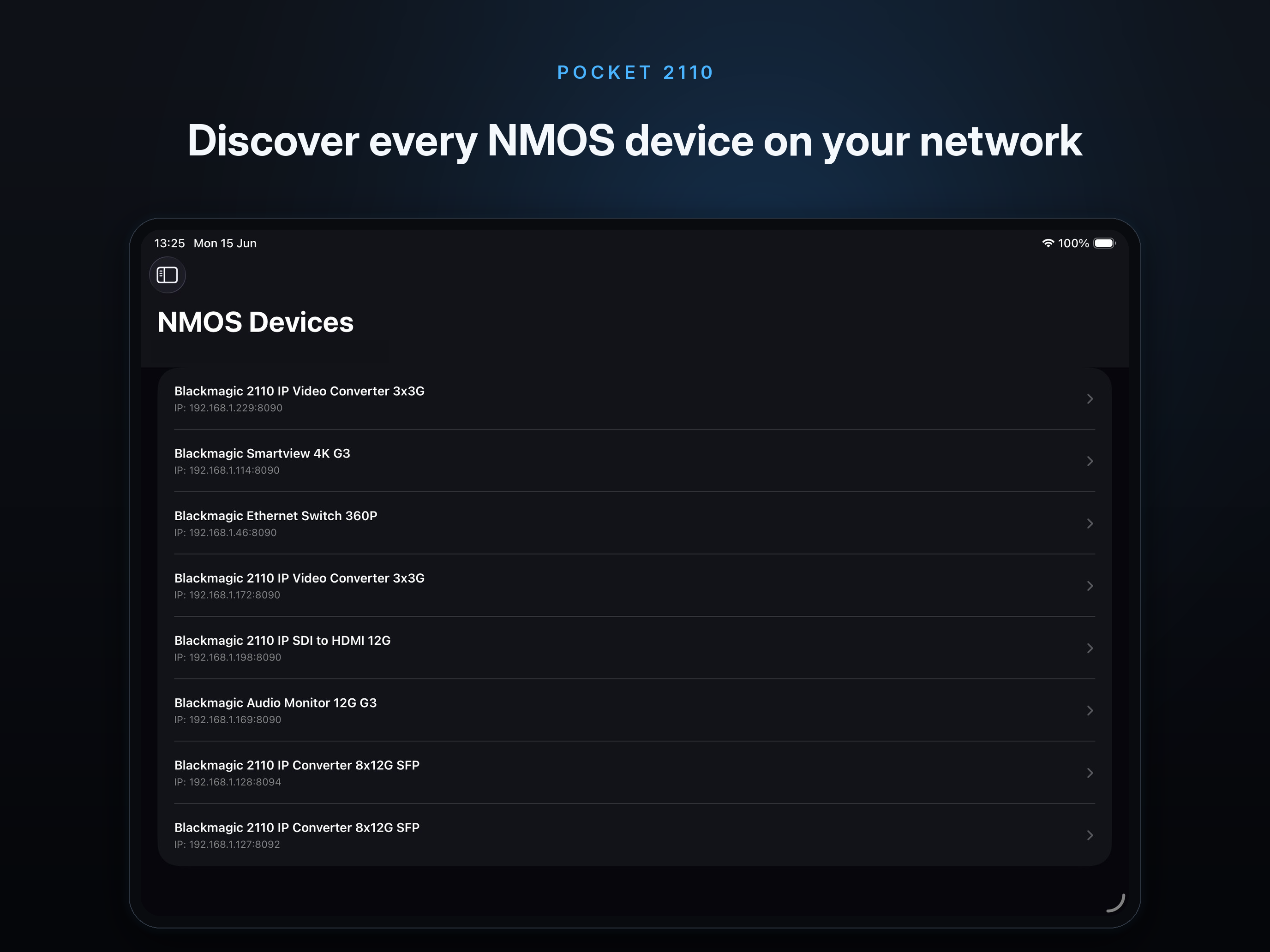
Automatic Bonjour/mDNS discovery of all NMOS nodes on the network. Browse device details, senders, receivers, and SDP status with colour-coded indicators.

📄

PDF Route Logs

Every route action is logged with timestamps. Export your route history as a PDF report and share it directly from the app.

💻

iPhone, iPad & Mac

Adaptive layout that works beautifully on compact iPhone screens, spacious iPad displays, and Mac Catalyst. Sidebar navigation on wide screens, stacked views on compact.

🔌

Signal Probe

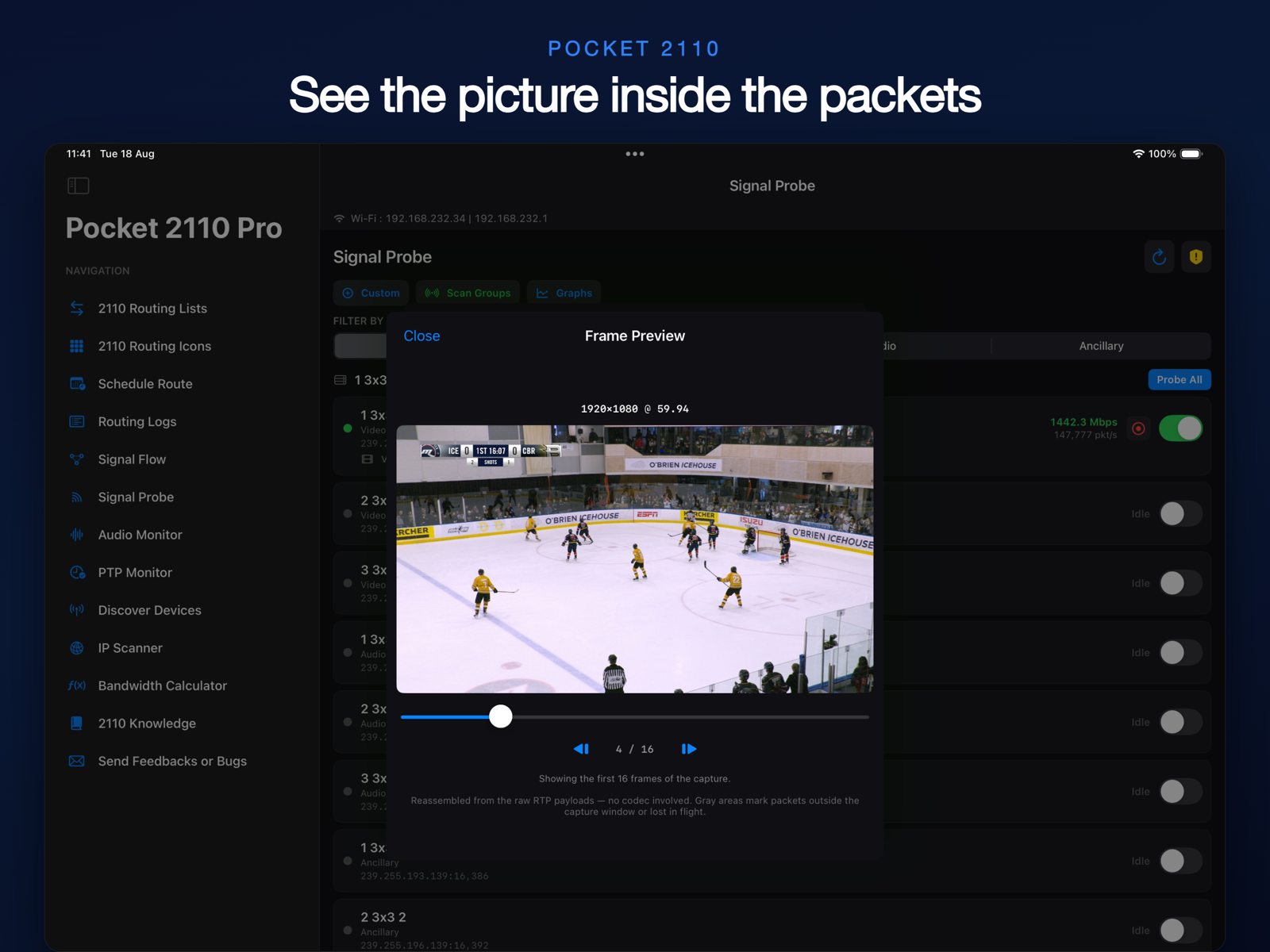
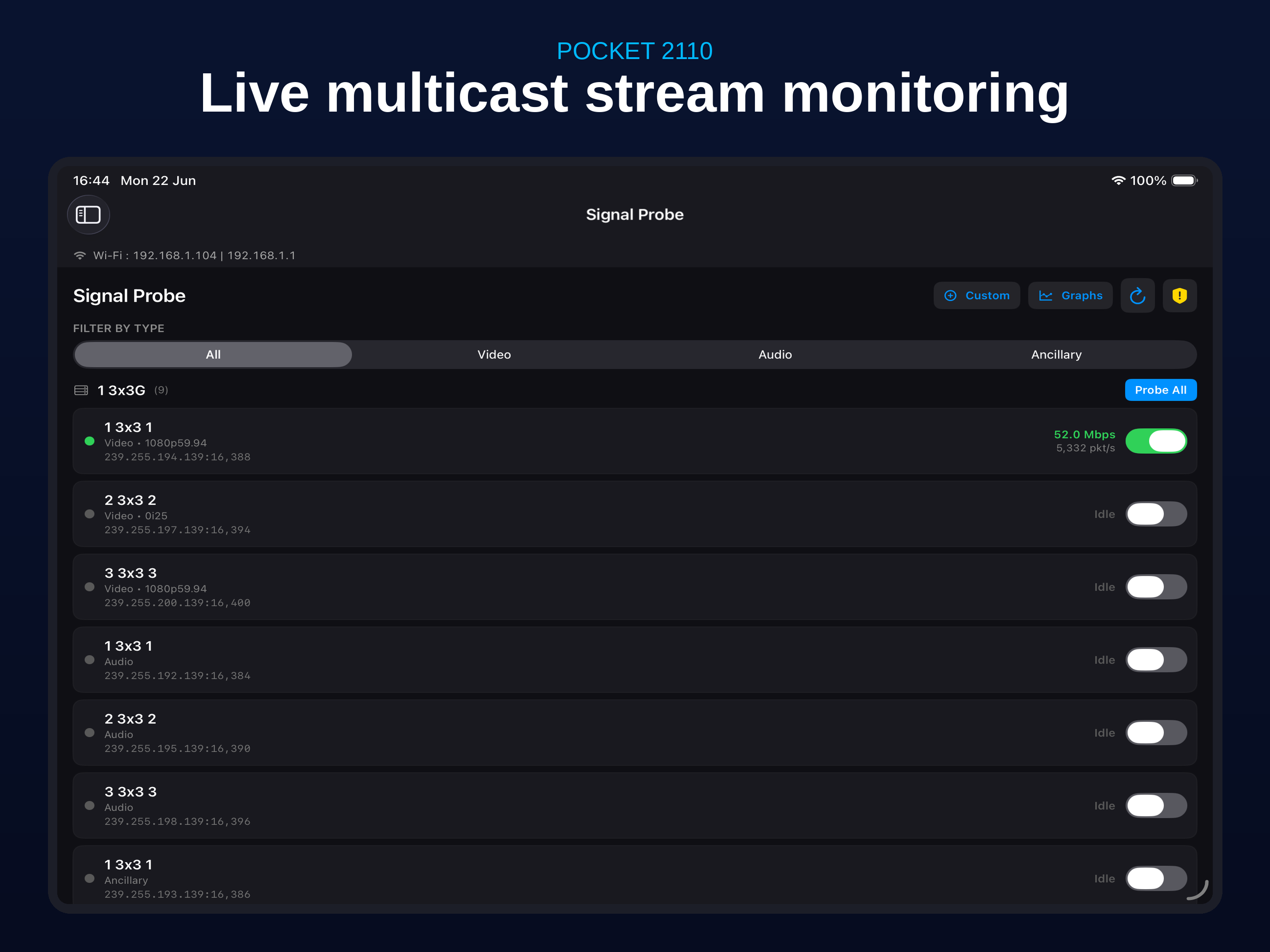
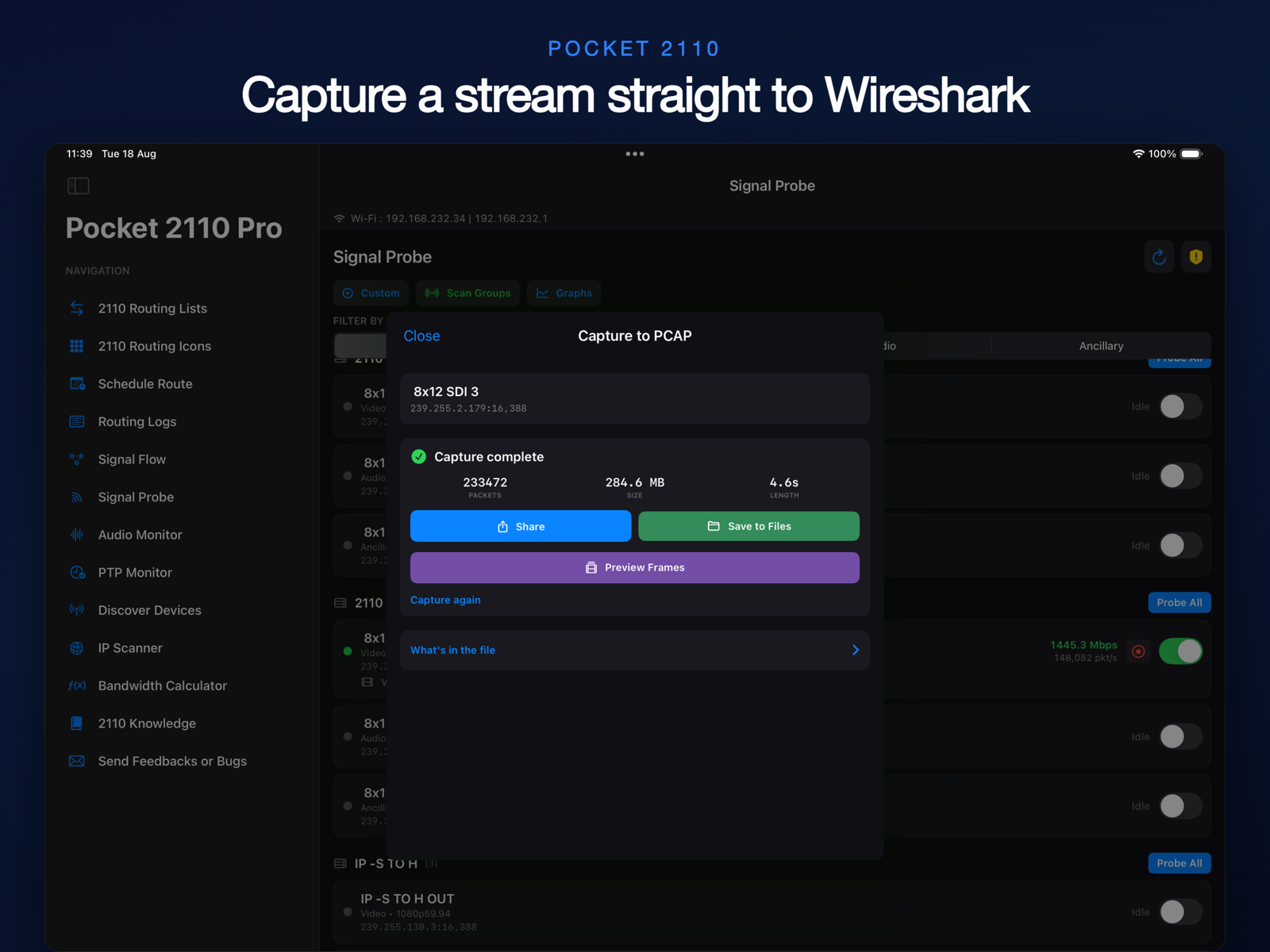
Monitor live multicast streams in real time. See UDP packet rates and bitrate for every stream, with beautiful graph views and support for custom multicast IPs on non-NMOS devices.

🆕

Salvos & Presets

Save and instantly recall multi-destination routing presets. Export and share salvo files with your team so everyone can recall the same setups in one tap.

📚

2110 Knowledge Base

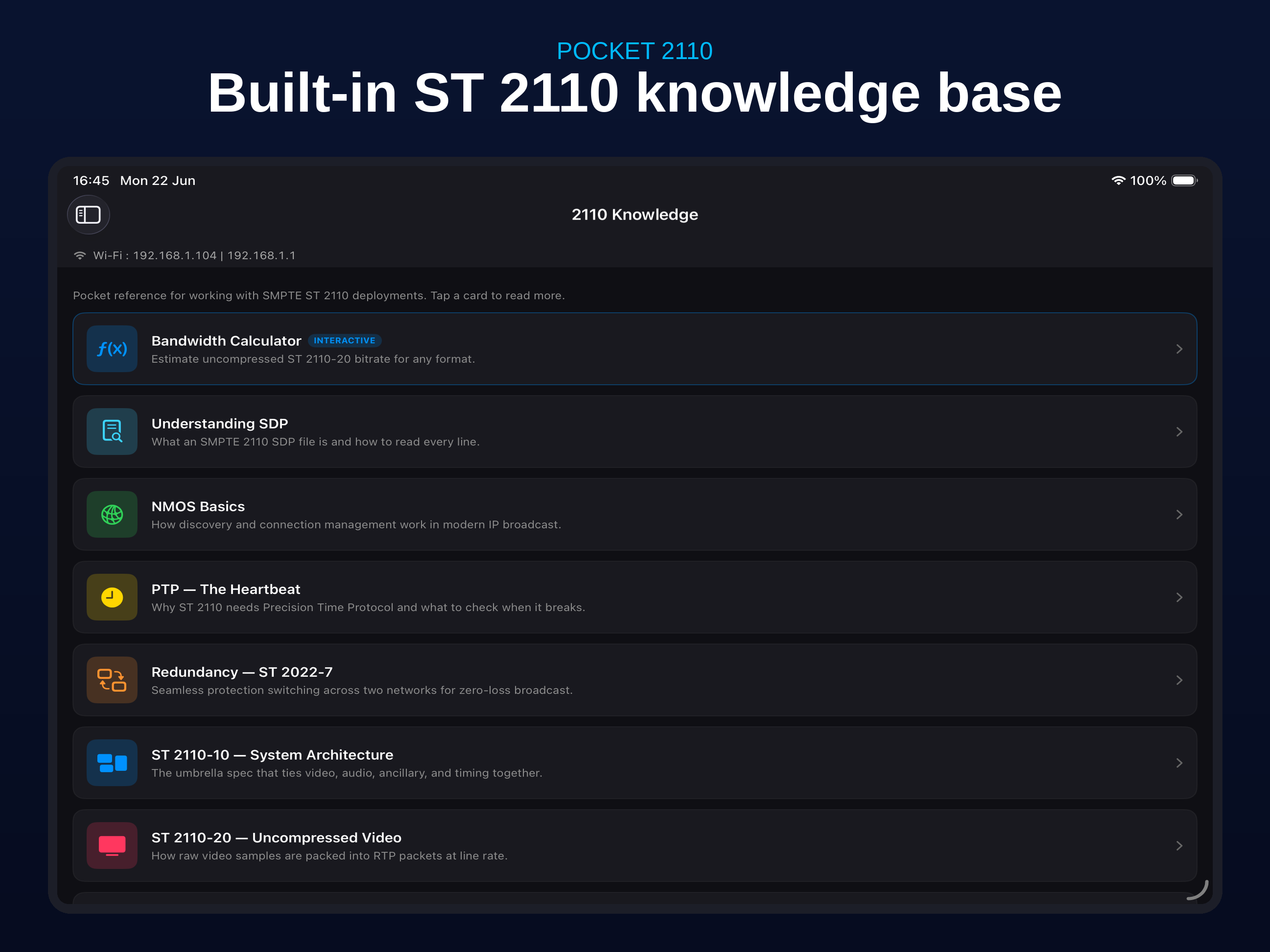
Built-in reference articles covering SMPTE ST 2110, NMOS, SDP, PTP, redundancy, and more. Includes an interactive bandwidth calculator for any video format.

See It in Action

Designed for dark environments in broadcast control rooms.

Live Multicast Signal Probe
Real-time Bitrate and Packet Graphs
Built-in ST 2110 Knowledge Base
Interactive Bandwidth Calculator
2110 Routing Icons Grid View
Customise Routing Icons
SMPTE 2110 Routing with SDP
Signal Flow Visualisation
Schedule Route View
Routing Logs
NMOS Device Discovery

What's New

The latest updates and improvements to Pocket 2110.

Version 2.2 Latest

Signal Probe, Salvos, a built-in 2110 Knowledge Base, and a major Schedule upgrade — the biggest release yet.

  • IP-keyed data — Salvos, exported/imported layouts, and locked destinations are keyed by each device's IP address and port. If your devices receive new IPs via DHCP, salvos, shared layouts, and locked destinations may stop matching.
  • Improved Signal Flow Layout — Cleaner, more readable topology diagram.
  • Cancel scheduled routes — You can now cancel a route that is waiting to run.
  • Running Clock display — See a live clock while a scheduled route is active.
  • Countdown — A live countdown is shown for each upcoming scheduled route.
  • Salvos / Presets — Save multi-destination routing presets and recall them instantly. Export and import Salvos to share with your team.
  • Signal Probe — Real-time monitoring of multicast streams. View UDP packet rate and bitrate per stream, with graph views. Supports custom multicast IPs for non-NMOS-discoverable devices.
  • 2110 Knowledge Base — Multiple reference articles covering SMPTE 2110, NMOS, SDP, PTP, redundancy, and system architecture. Includes an interactive Bandwidth Calculator.
  • Operator Notes — Add notes to any device. Notes are included when you export a layout.
  • Filtered Route Logs — Filter your route log history by device, media type, or date.
  • TAKE button for Routing Icons — Confirm a route with an explicit TAKE action in the icon-based routing view.
  • Lock destinations — Prevent a destination from being re-routed accidentally.
  • Group Node routing — When the filter is set to All, you can select a Group Node to simultaneously route Video, Audio, and Ancillary streams from a sender in one action.
Version 2.1

Improved name handling for main routing plus a brand-new icon-based routing experience.

  • 2110 Routing Icons — A new way to route using customisable icons instead of a plain list. Best experienced on iPad or Mac.
  • iPhone support — On iPhone you can import name sets shared by other users to take advantage of the icon layout.
  • Customise sources — Change the label and icon for any source. Right-click on Mac or long-press on iPad. Changes are app-side only and do not affect device labels.
  • Export & Import layouts — Share your icon and label layouts with other users or import theirs.
  • Standalone Routing Logs — Routing Logs has been moved to its own dedicated page.
  • Filter by media type — Filter sources and destinations by Video, Audio, or Ancillary while routing.
  • View SDP from routing — Quickly view senders that have a valid SDP directly from the Routing page.
  • Network indicator — See at a glance which network your device is connected to.
  • Device IP & Multicast settings — Discovering a device and tapping "More Information" now shows its IP address settings and Multicast configuration.

About Pocket 2110

What is SMPTE ST 2110?

SMPTE ST 2110 is the professional media industry standard for transporting video, audio, and ancillary data over IP networks. It replaces traditional SDI infrastructure with flexible, scalable IP workflows.

What is NMOS?

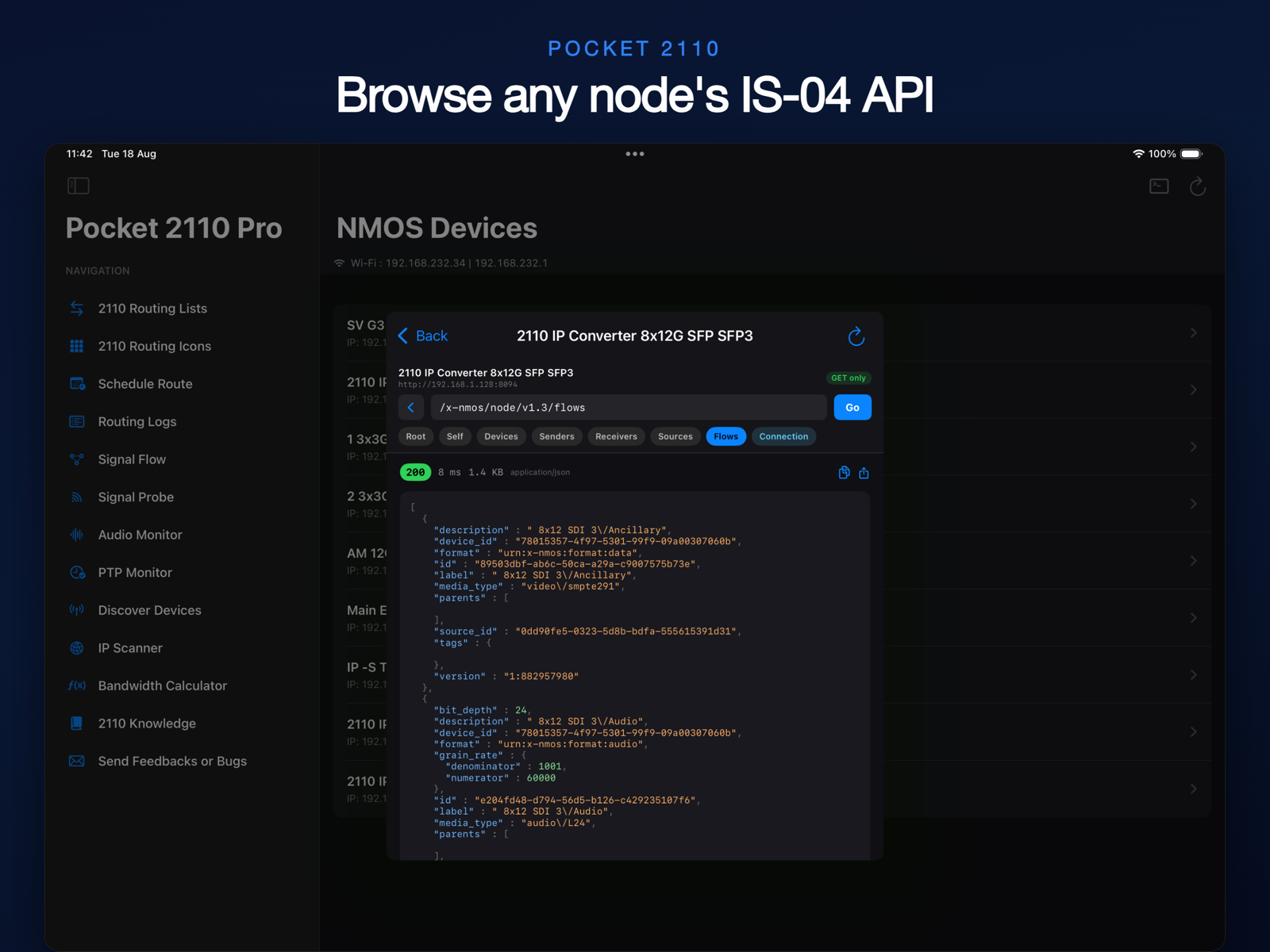
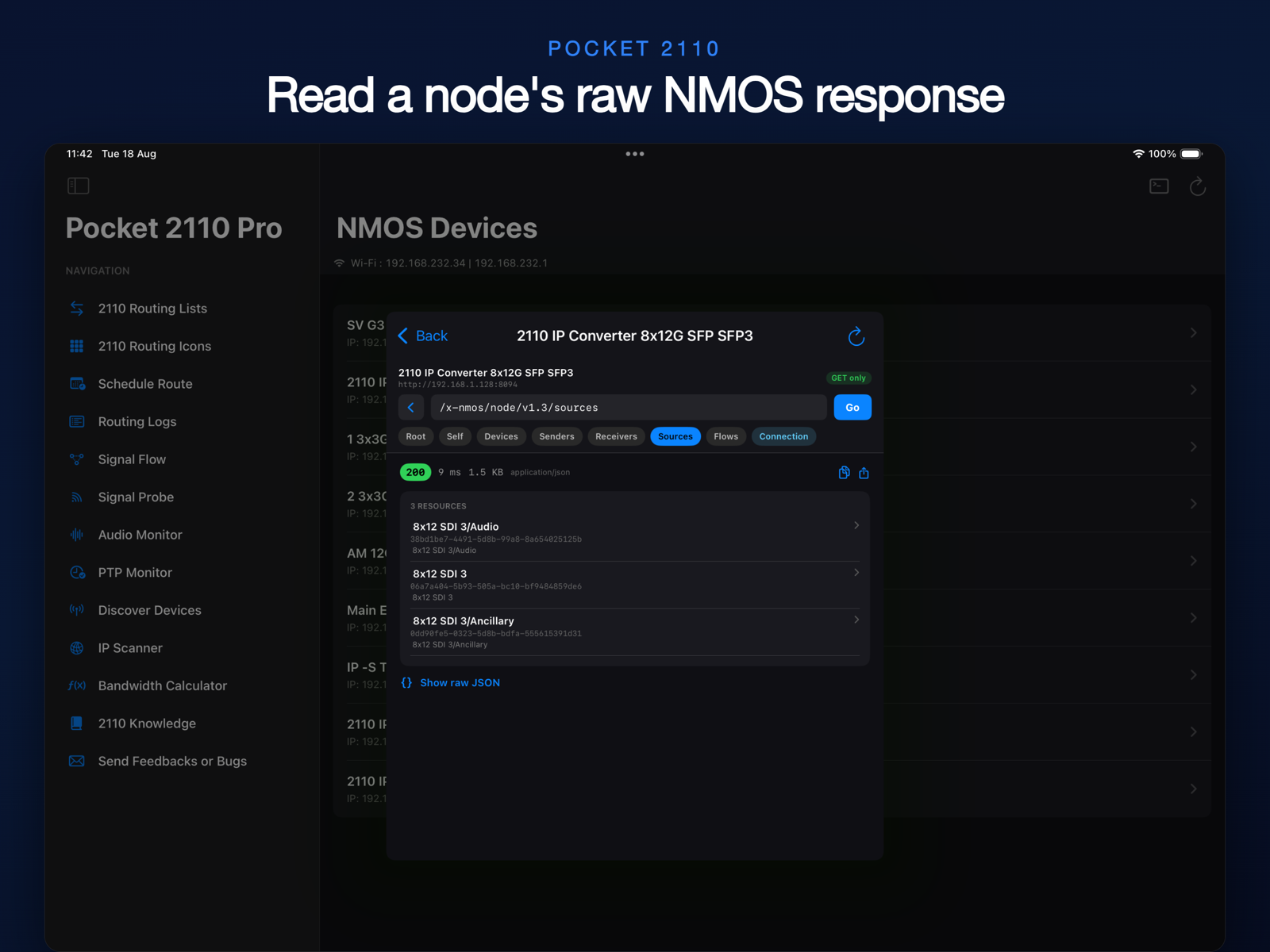
NMOS (Networked Media Open Specifications) from AMWA provides discovery (IS-04) and connection management (IS-05) APIs that allow devices on an ST 2110 network to find each other and establish signal routes.

Why Pocket 2110?

Traditional NMOS controllers require desktop software or complex web interfaces. Pocket 2110 puts full routing control in your pocket — discover devices via Bonjour, route signals with a tap, schedule routes for later, and see your entire signal topology at a glance.


Signal Flow Diagram

Get in Touch

Have feedback, a feature idea, or found a bug? We'd love to hear from you.

Ready to Route?

Download Pocket 2110 and take control of your ST 2110 network today.

Download on the App Store
Also from us BMD Installer BMD Installer